Mods and Custom Content
for The Sims 4
Give your Sims a new look, furnish their homes or change how they play. Choose a category to see previews, requirements and downloads.
322 downloads · 9 categories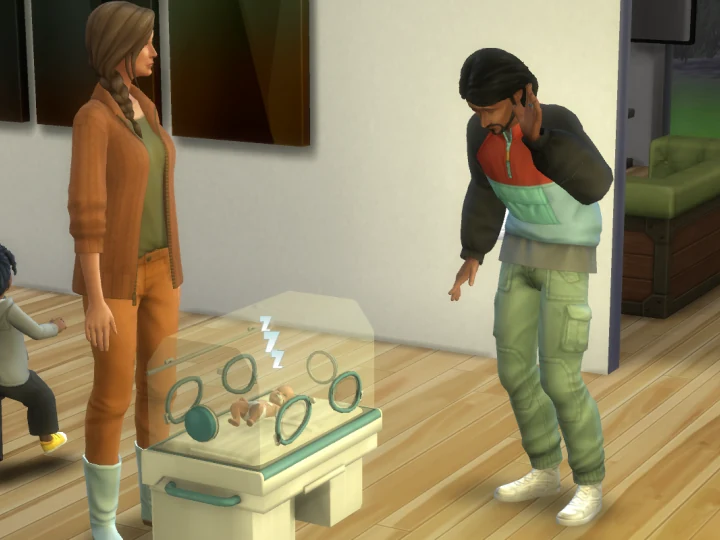
Gameplay Mods
42 downloads↗
Adult Mods (18+)
41 downloads↗
Tools and Utilities
13 downloads↗
Hairstyles
40 downloads↗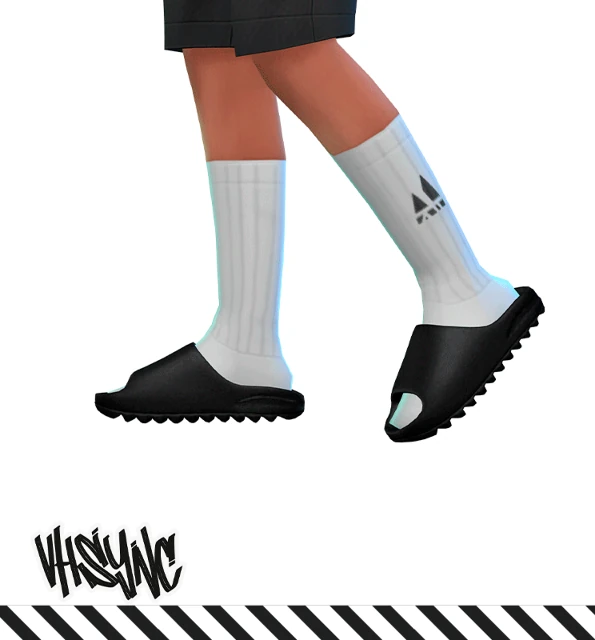
Clothing and Accessories
40 downloads↗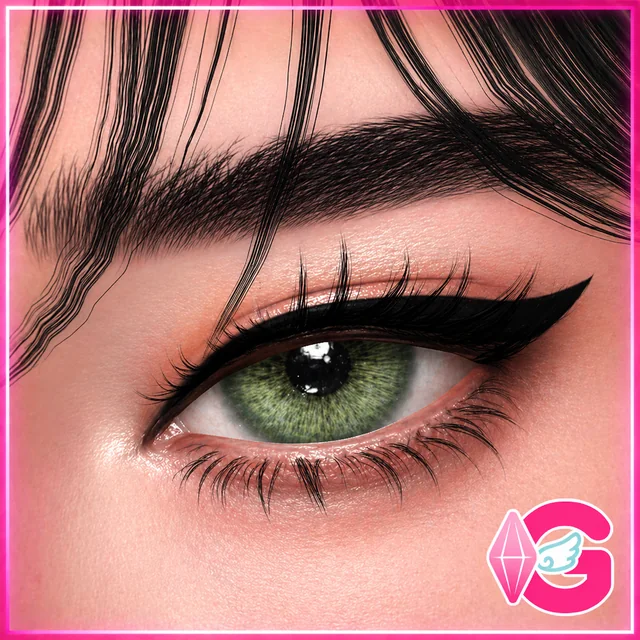
Makeup and Appearance
40 downloads↗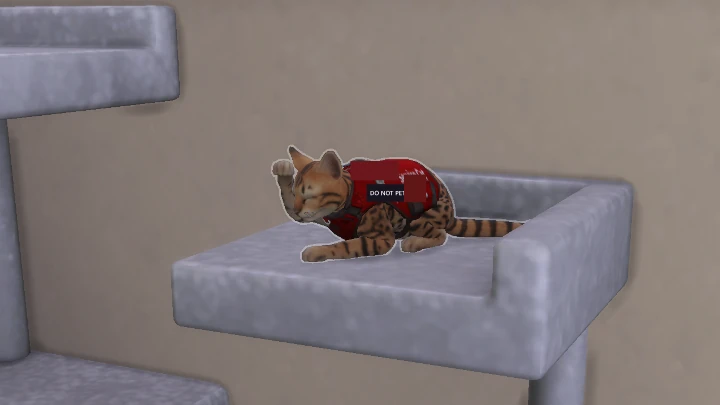
Animals and Pets
40 downloads↗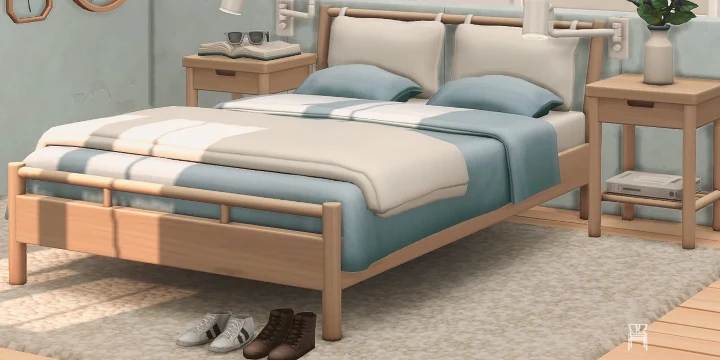
Furniture and Décor
40 downloads↗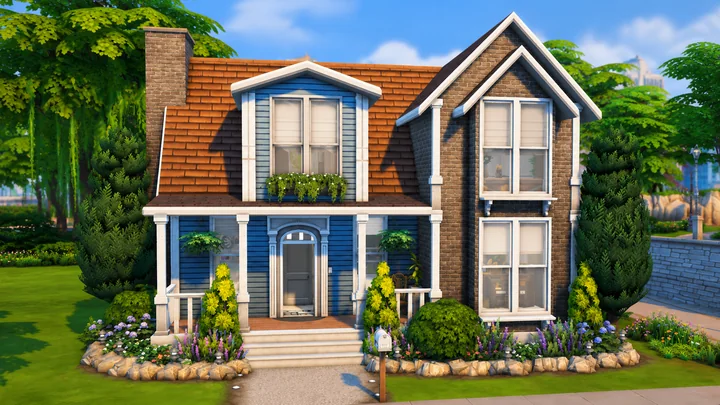
Homes and Builds
26 downloads↗A few quick steps
How to install
Close the game and remove the old files before updating. If a download has its own installation instructions, follow those steps.
Download and extract
Download and extract the ZIP. You don’t need to open .package files.
Add the files to Mods
Open Documents → Electronic Arts → The Sims 4 → Mods. Place the .package and .ts4script files there. Keep script files no more than one folder deep inside Mods.
Enable mods in the game
In Game Options, enable custom content and script mods, then restart The Sims 4.